
Introduction
CodeIgniter is a fairly simple framework for PHP. Compared to its big brothers such as Zend or Yii, it has the advantage of being small and very simple to get to grips with. For me, currently the best for small projects such as creating a REST-API.
Installation
To start, go download the official version on GitHub https://github.com/philsturgeon/codeigniter-restserver

Unzip everything in the right place. Then go into the application/config/config.php file and indicate the base_url
$config['base_url'] = 'http://api.local';this is of course the URL of your API.
The URLs
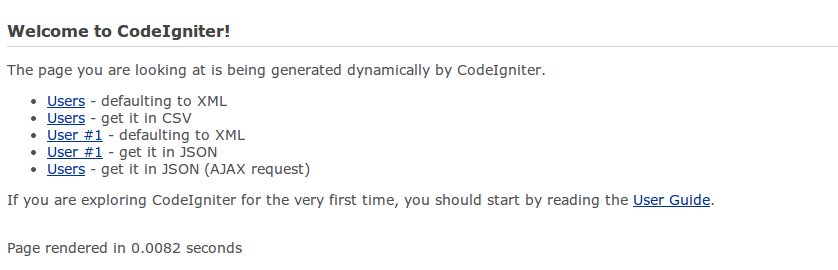
If the server is correctly configured, by calling the base_url, the default page will appear
htaccess
To not have the index.php in the URL, you need to write a .htaccess and place it at the root of your site.
RewriteEngine On
RewriteCond %{REQUEST_FILENAME} !-f
RewriteCond %{REQUEST_FILENAME} !-d
RewriteRule ^(.*)$ /index.php/$1
Controller
Then you can check the /controllers/api folder where you will find the example.php controller. By analyzing it you can guess that the minimum for your controller is:
<?php
defined('BASEPATH') OR exit('No direct script access allowed');

require APPPATH.'/libraries/REST_Controller.php';

class Example extends REST_Controller{
   function test_get(){
      $this->response(array('error' => 'test'), 404);
   }
}
?>
to see the result, just call api.local/api/example/test
<xml>
   <error>test</error>
</xml>